Passport Photo Maker
Online for Print & Download
Use our passport photo maker to upload a portrait, choose a common passport size, and download a passport photo sheet in minutes. This online passport photo maker is built for quick cropping, clean backgrounds, and practical passport photo prep at home.
Create a passport photo online from your phone or desktop
Choose popular sizes like 2x2 inch, 35x45mm, and 50x70mm
Download a digital file or printable passport photo layout
Review size and background guidance before you submit
Online Passport Photo Maker
Upload a clear portrait, select the passport format you need, and create a passport photo online with clean sizing and download options.
Upload Your Portrait
Choose a clear front-facing photo with good lighting.
Supported: JPG, PNG, HEIC
or take a photo with your camera
Uploaded portrait
Choose Passport Format
Start with a common passport or ID format, then adjust photo size if needed.
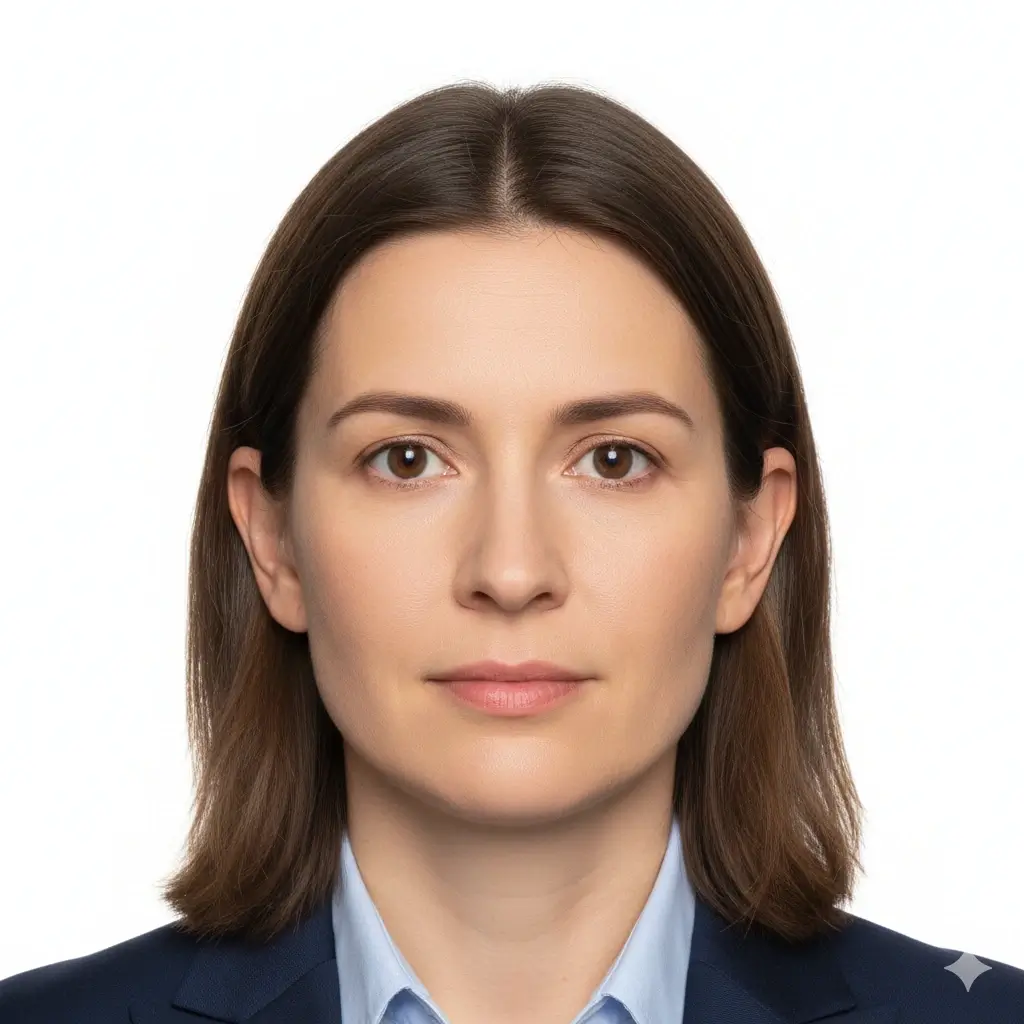
US Passport
2x2 inch (51x51mm) | White

UK Passport
35x45mm | Light grey
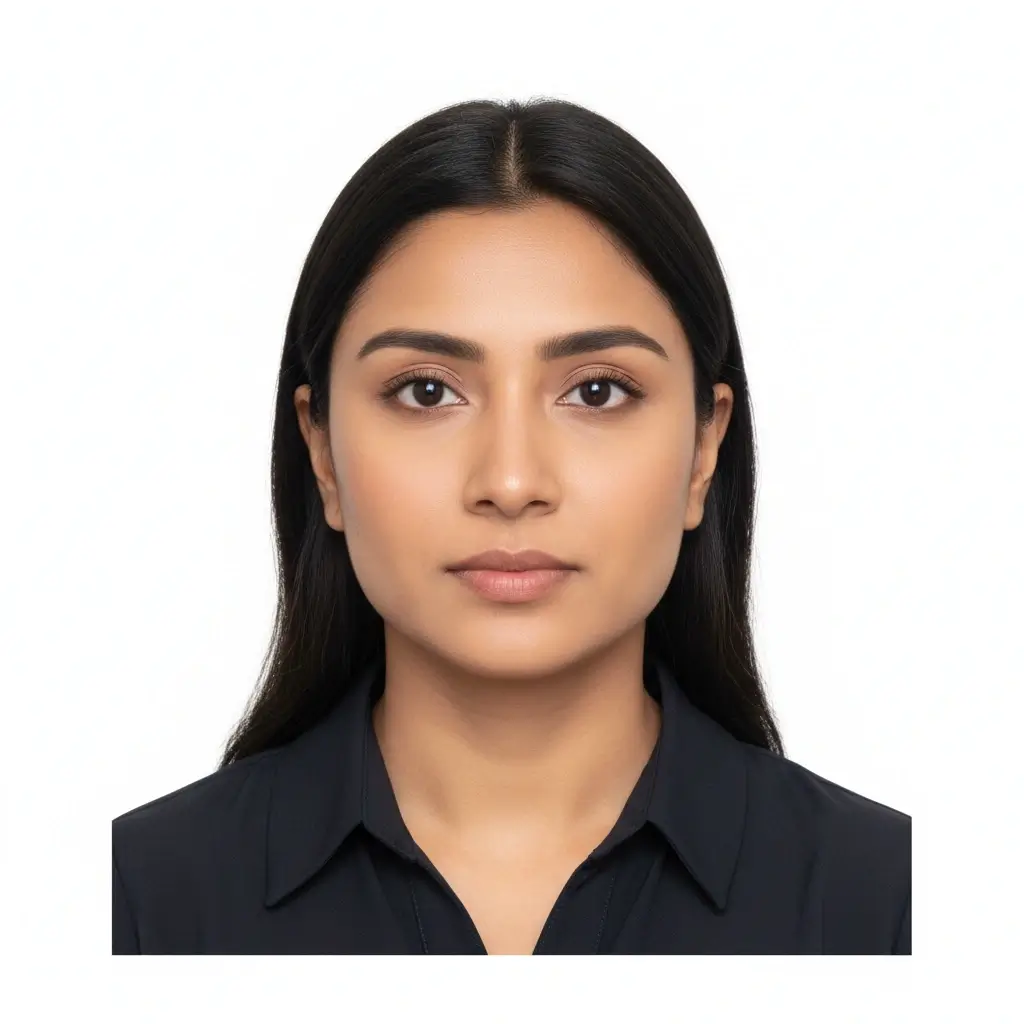
Canada Passport
50x70mm | White

Visa Photo
35x45mm | White
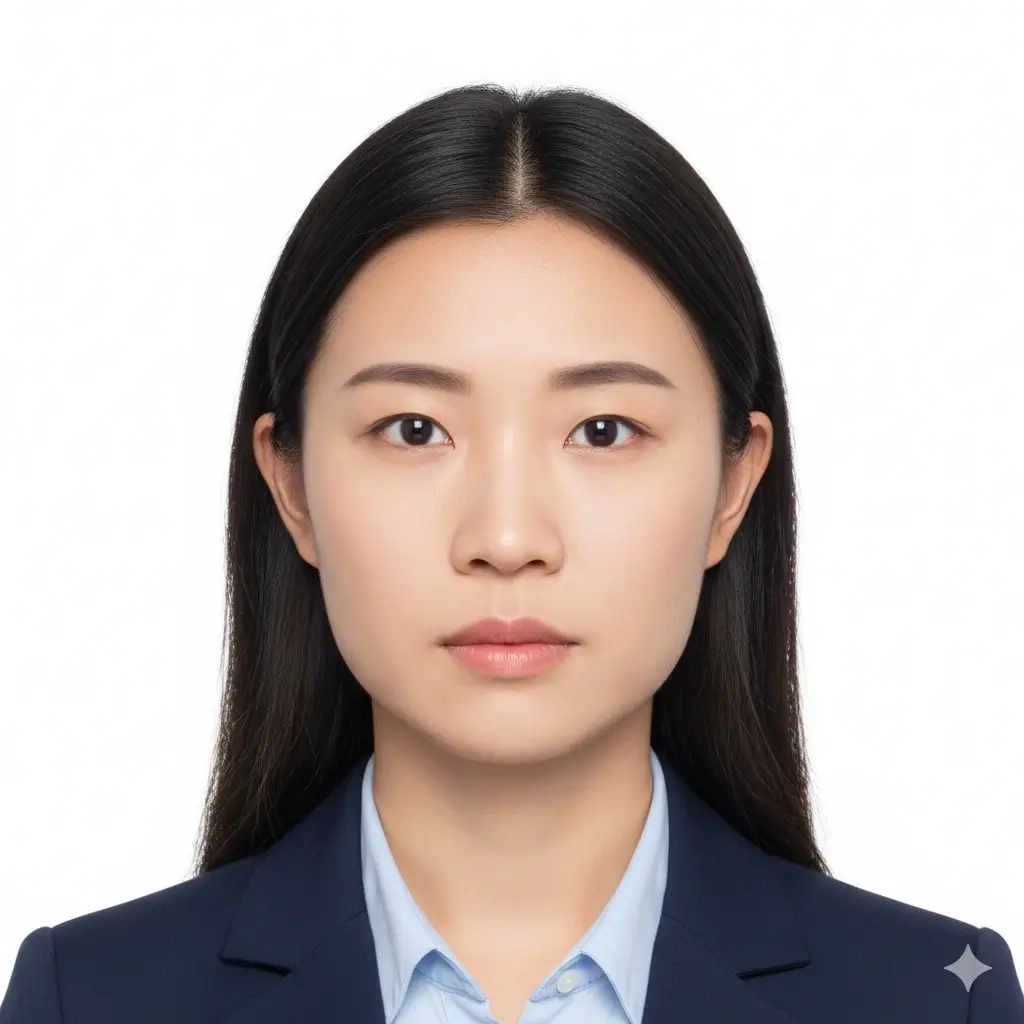
Green Card
2x2 inch (51x51mm) | White

Student ID
Standard ID format | White
Passport Photo Settings
Pick the size and background that best match your target document.
You have 0 credits remaining Sign in to try the passport photo maker
2 credits per generated photo
Passport Photo Result
Your passport photo preview will appear here
Upload a photo and choose a passport format to begin.
Preparing Your Passport Photo
This usually takes 30-60 seconds.
Analyzing photo...
Tips for a Better Passport Photo
- Face the camera directly with your eyes open.
- Use soft, even lighting and avoid heavy shadows.
- Keep hats, tinted glasses, and busy backgrounds out of the frame.
- Leave enough space around your head for cropping.
Passport Photo Maker Results
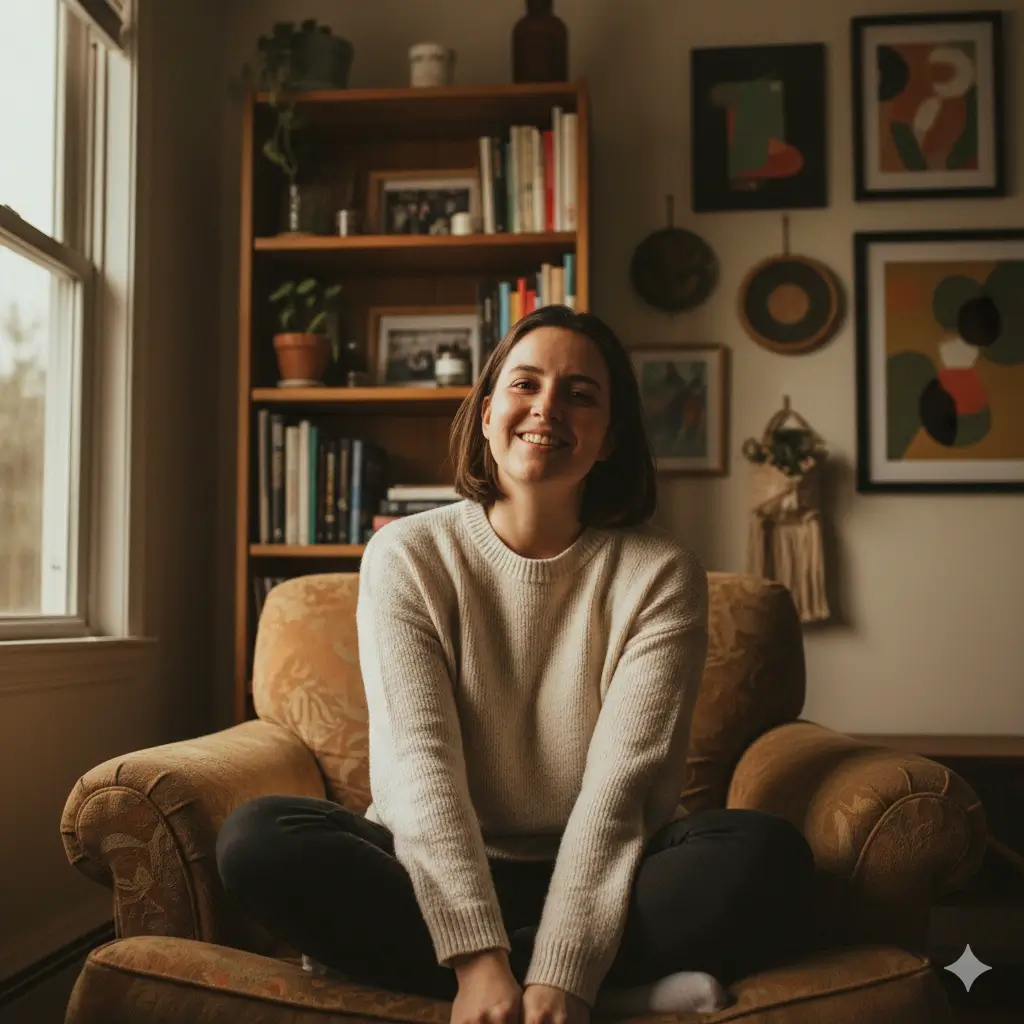
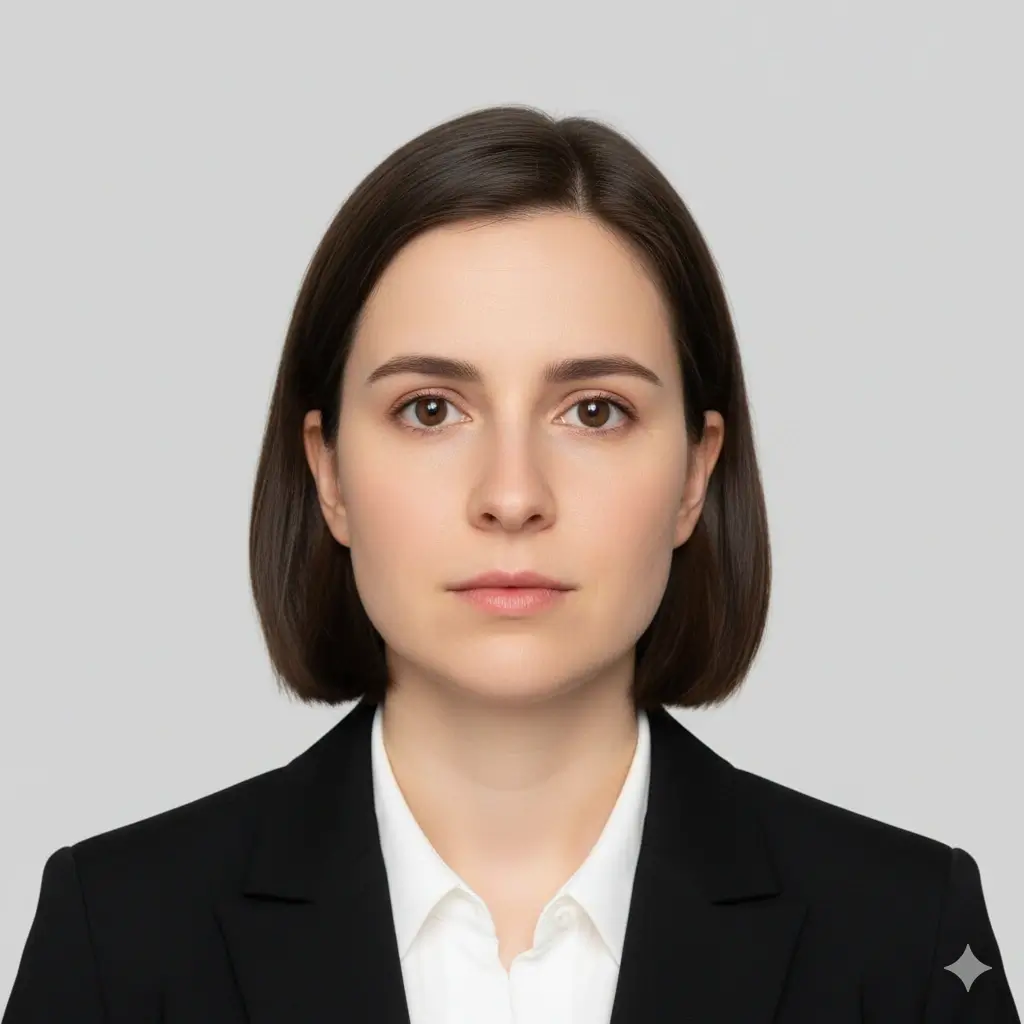
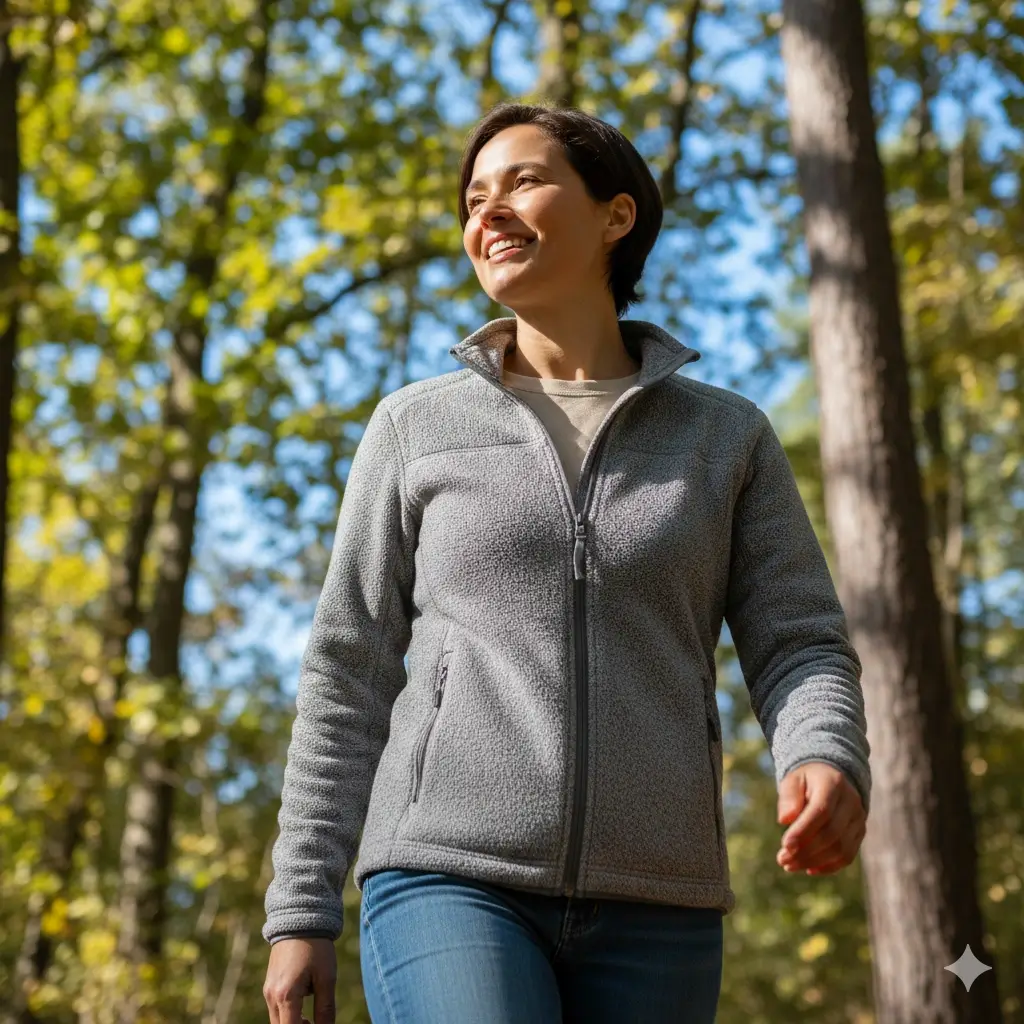
See how casual photos can be turned into cleaner passport-ready layouts with common size and background settings.

Online Processing
 US Passport
2x2 inch format
White background
Print-ready result
Online Processing
 UK Visa
35x45mm size
Clean background
Ready to download
Online Processing
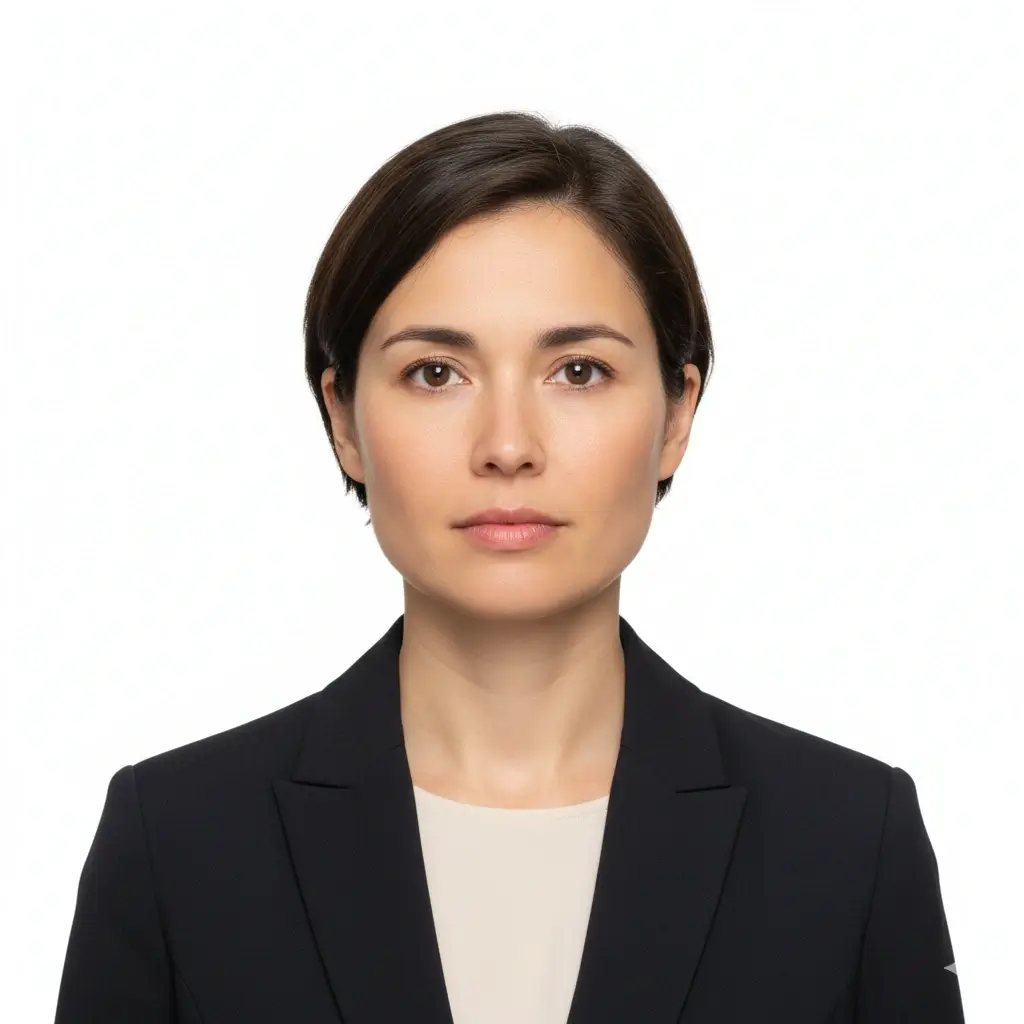 Canada Passport
50x70mm format
Centered portrait
Printable file
How to Make a Passport Photo Online
Upload a Clear Portrait
Start with a sharp, front-facing image. A simple phone photo works well if your face is visible and lighting is even.
Choose a Passport Size
Pick a preset like US passport, UK passport, Canada passport, or visa photo so your passport photo maker starts from the right layout.
Adjust the Background and Crop
Use white or light backgrounds and fine-tune the size choice if you need a specific passport picture or ID format.
Download and Print
Save your passport photo as PNG, JPG, or PDF, then print it at home or upload it where digital passport photos are accepted.
What a Good Passport Photo Needs
A passport photo maker is most useful when it helps you prepare the basics: correct size, plain background, centered face, and a clean downloadable file.
Correct Passport Photo Size
Different authorities use different sizes, so the first step is matching your passport picture to the right format, such as 2x2 inch, 35x45mm, or 50x70mm.
Plain Background
Most passport and visa photo requirements ask for a plain white or light-colored background without distractions, patterns, or strong shadows.
Clear Front-Facing Portrait
Your face should be centered, evenly lit, and easy to see. Neutral expression, open eyes, and no visual obstructions are common passport photo expectations.
Downloadable Print Format
A useful passport photo maker should give you a digital file for online use and a printable format for local print shops or home photo paper.
Quick Passport Photo Checklist
Before generating your final file, review this checklist so your passport photo online is easier to use and easier to print.
- Use a recent photo with your full face visible and your head facing straight ahead.
- Keep the background simple and avoid walls with frames, furniture, or visible texture behind you.
- Avoid deep shadows on the face, under the chin, or across the background.
- Wear everyday clothing that contrasts with the background and keeps the face unobstructed.
- Leave enough room above the head and around the shoulders so cropping does not feel too tight.
- Double-check the target country's official guidance before submitting any passport photo.
Use the passport photo maker as a preparation tool
Official requirements can vary by country, application channel, and document type. This page is designed to help you create a passport photo online, prepare common sizes, and download a print-ready file, but you should always compare your final image with the current official rules before submission.
Submission reminder
For sensitive documents such as passports, visas, and residence permits, final approval always depends on the issuing authority. Review the latest official rules for your specific application before you upload or print your file.
Why Use This Passport Photo Maker
Passport Photo Maker Online
Fast edits without studio visits
If you need a passport photo maker online, the biggest advantage is speed. You can upload a portrait, pick a preset, and create a passport photo online without waiting for an appointment or traveling to a photo shop.
Common Passport Photo Sizes
Useful formats for passport and visa applications
This passport picture maker supports common size patterns used for passport, visa, and ID applications. Starting with the right dimensions saves time when you need a passport photo for print or digital upload.
Digital and Print-Ready Downloads
PNG, JPG, and PDF output
Many users need more than one output format. You can download a single passport photo for digital use or keep a printable layout for home printing and quick reprints later.
Practical Passport Photo Prep
Background, crop, and review in one place
A good passport photo maker is not only about size. It should also help you review the background, check the crop, and create a cleaner portrait that is easier to compare with official passport photo guidance.
Popular Passport Photo Sizes
These common formats help you choose the right starting point for a passport photo, visa photo, or printable passport picture sheet.
United States
Passport: 2x2 inch
Visa: 2x2 inch
Background: White or off-white
United Kingdom
Passport: 35x45mm
Visa: 35x45mm
Background: Light grey or cream
Canada
Passport: 50x70mm
Visa: 35x45mm
Background: White or light-colored
Germany
Passport: 35x45mm
Visa: 35x45mm
Background: Light neutral
France
Passport: 35x45mm
Visa: 35x45mm
Background: Plain light
Japan
Passport: 45x35mm
Visa: 45x35mm
Background: Plain light
India
Passport: 51x51mm
Visa: 51x51mm
Background: White
Australia
Passport: 35x45mm
Visa: 35x45mm
Background: Light neutral
Use these country examples as a starting reference, then confirm the latest official size and background rules for your exact application.
Start Your Passport PhotoHow to Take and Print a Passport Photo at Home
If you want to make a passport photo online, the best results usually come from a simple setup at home and a final review before printing or uploading.
Home setup that works well
You do not need a studio to get a usable passport picture. Most people can prepare a solid source image with a phone, a plain wall, and soft daylight.
- Stand a short distance from a plain light wall so the portrait is easy to crop.
- Use daylight from a window or even indoor lighting that does not create strong shadows.
- Hold the camera at eye level and keep your shoulders square to the lens.
- Take several shots so you can choose the cleanest image before using the passport photo maker.
Download and print options
After you make a passport photo online, choose the file type that best matches the next step in your workflow. Some users need a digital upload, while others need a print-ready passport photo sheet.
PNG for clean image quality
PNG is useful when you want a high-quality digital passport photo with crisp edges and a simple background.
JPG for easy sharing
JPG is widely accepted for uploads, email, and quick sharing when file size matters more than maximum image detail.
PDF for printing
PDF is helpful when you want a passport photo result ready for home printing, office printing, or a local photo lab.
Keep one backup copy
Save a backup of your passport picture after you generate it so you can print extra copies later without repeating the whole process.
Helpful reminders before submission
Compare your final size with the exact official size for the country and document you are applying for.
Check that the crop still leaves enough head and shoulder space after download.
Review background color rules because some documents ask for white while others allow light grey or another neutral tone.
If you plan to print at home, test one sheet first so you can confirm the printed measurements are correct.
Passport Photo Maker FAQ
A More Practical Way to Prepare Passport Photos
Secure Upload Flow
Use the passport photo maker with the same secure upload and account flow already used across the site.
Common Size Presets
Start from common passport photo layouts instead of cropping from scratch every time.
Flexible Downloads
Keep a digital image, a shareable file, or a PDF if you need to print your passport picture.
Easy Final Review
Preview the result before download so it is easier to compare with official passport photo requirements.
Ready to Make a Passport Photo Online?
Create a passport photo, choose a common size, and download a file you can print or review for passport, visa, and ID use.
Start with common passport photo sizes
Use white or light background options
Download PNG, JPG, or PDF files
Review your crop before printing or submission
Always compare your final passport photo with the latest official guidance for your specific document and country.