AI ID Photo Maker
証明写真をオンラインで無料作成
ポートレートを1枚アップロードするだけで、パスポート、ビザ、学生証、社員証、プロフィール用の証明写真を AI で作成できます。背景を整え、トリミングを調整し、デジタルまたは印刷用ファイルを数分でダウンロードできます。
AIで背景を整えた証明写真をすぐに作成
パスポート、ビザ、学生証、社員証、プロフィール向けプリセット
JPG・PNG・PDFでダウンロード可能
厳格な書類向けの確認ポイントを表示
無料 AI ID Photo Maker - アップロード・調整・ダウンロード
写真をアップロード
正面を向いた最近の写真をアップロードしてください。顔全体が見え、光が均一な写真がおすすめです。
対応形式: JPG, PNG, HEIC, WEBP
自撮り1枚からAI証明写真を作成できます。
アップロードした写真
AI証明写真プリセットを選択
パスポート風写真、学生証、社員証、ビザ写真、カスタムサイズなど目的に合うプリセットを選んでください。
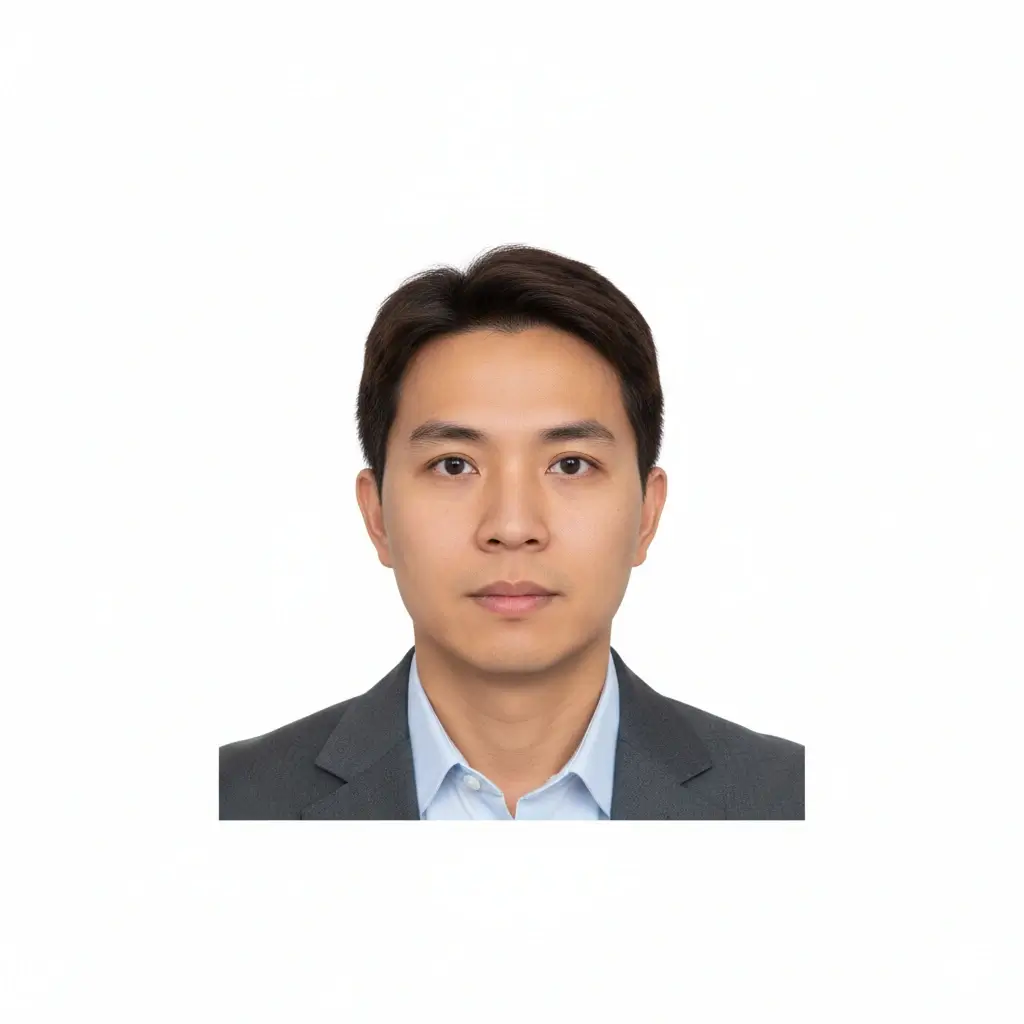
AI ID Photo
Plain background | Front-facing crop
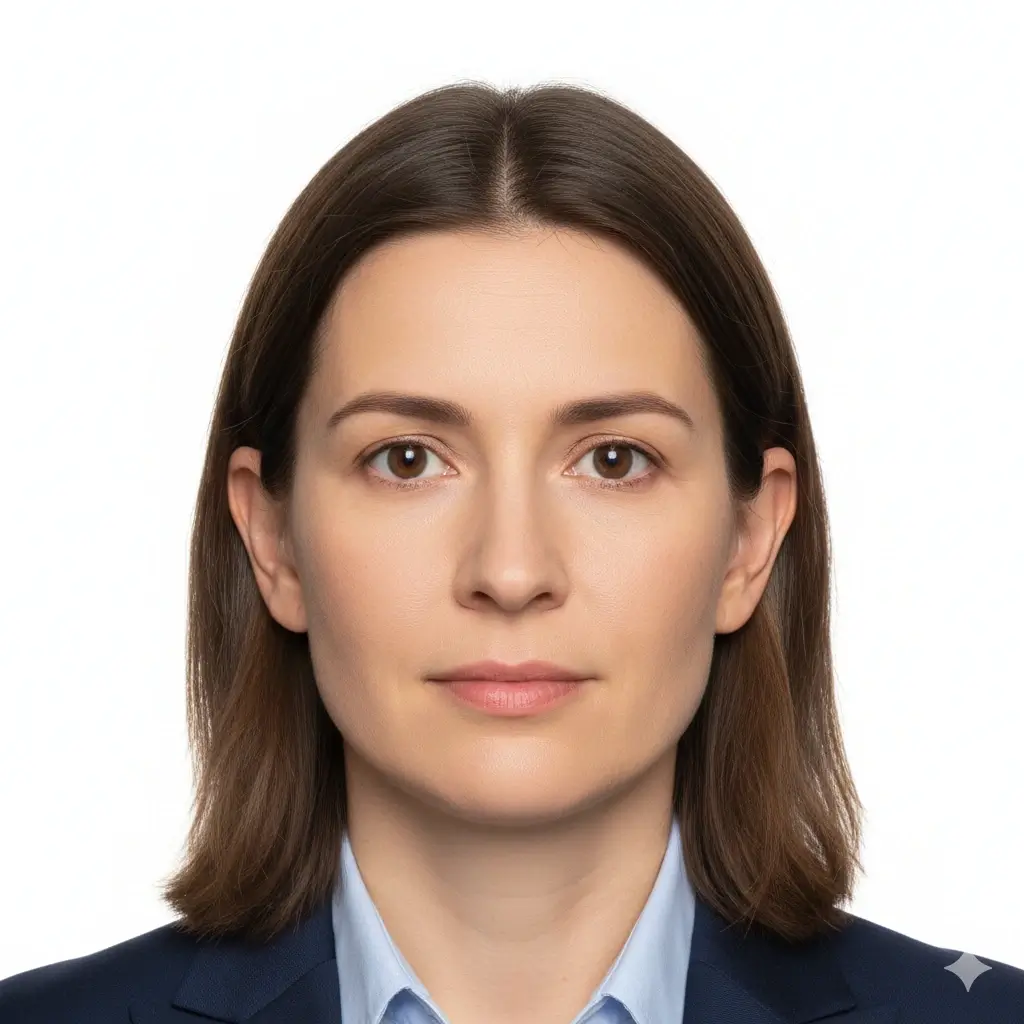
Passport Photo
2x2 inch (51x51mm) | White
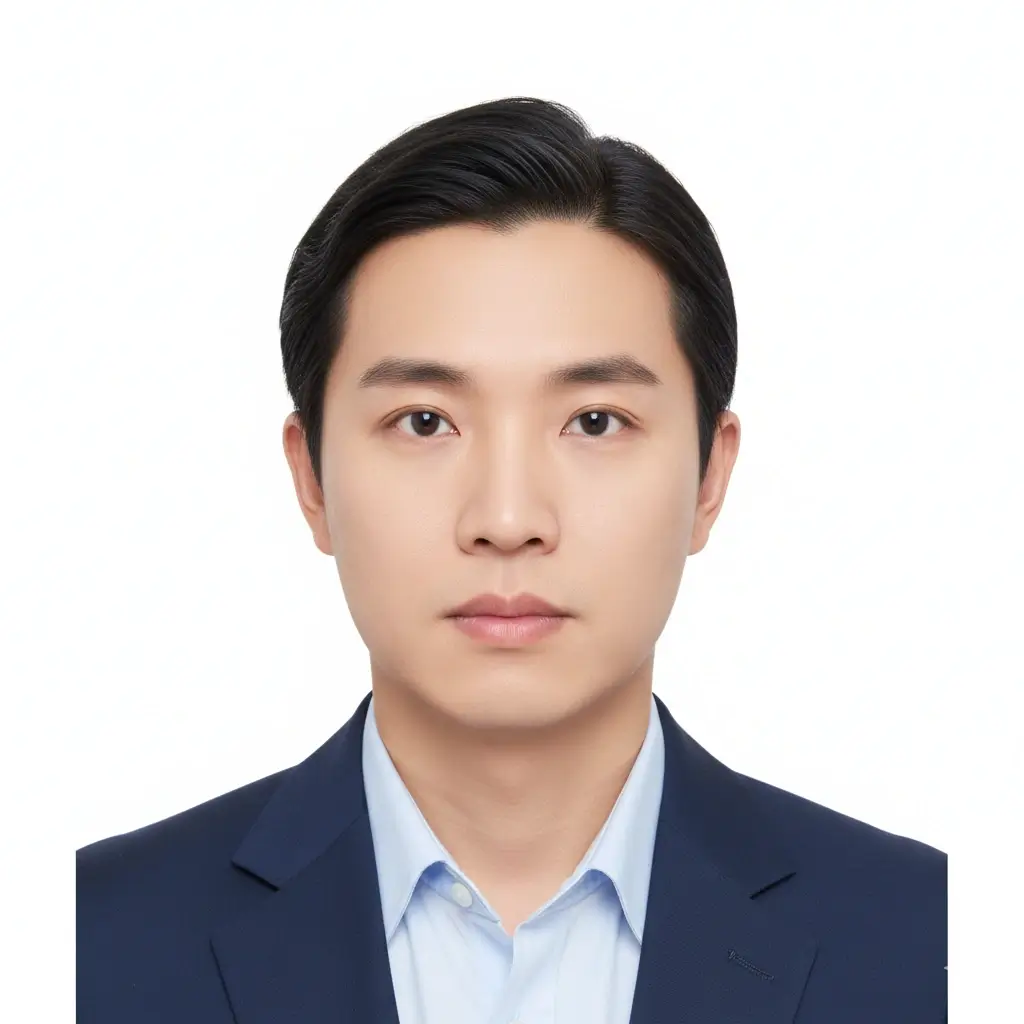
Visa Photo
35x45mm or 2x2 inch | White
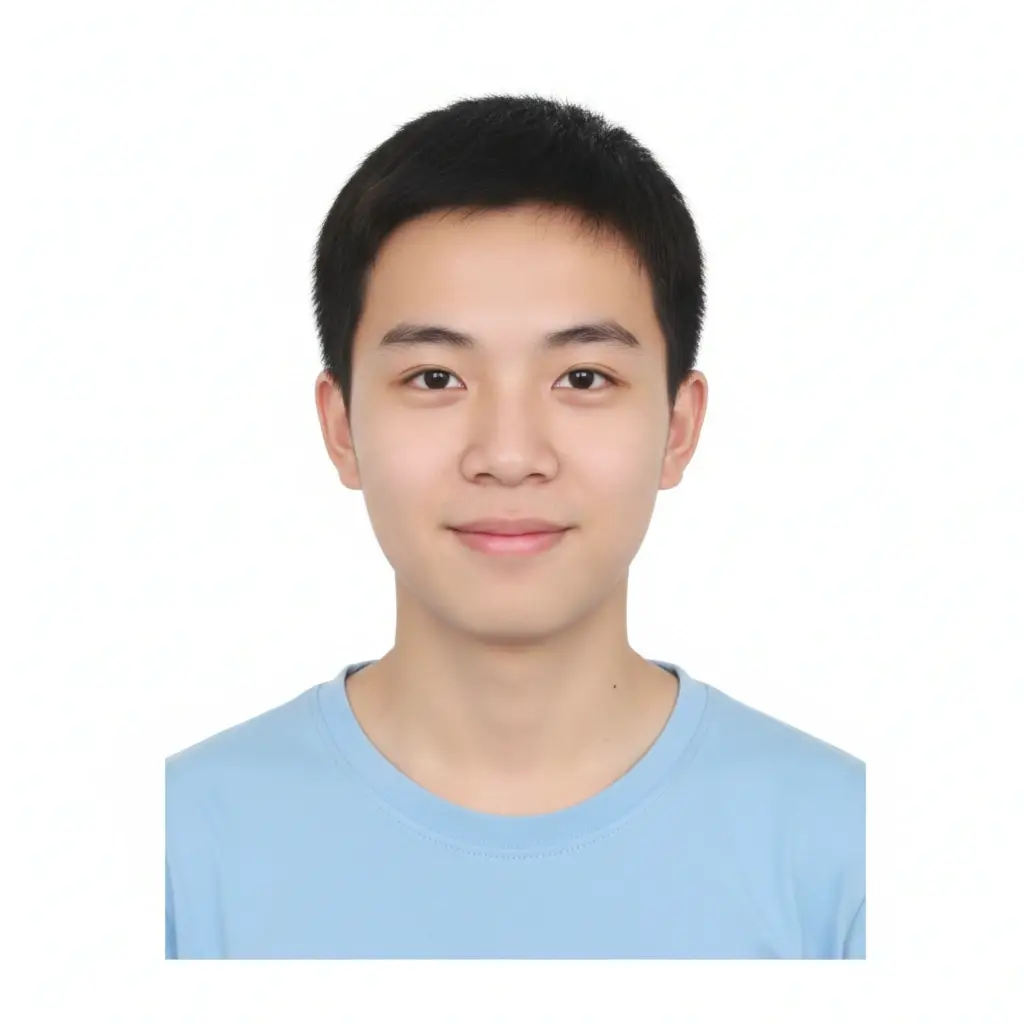
Student ID
Head and shoulders | Plain
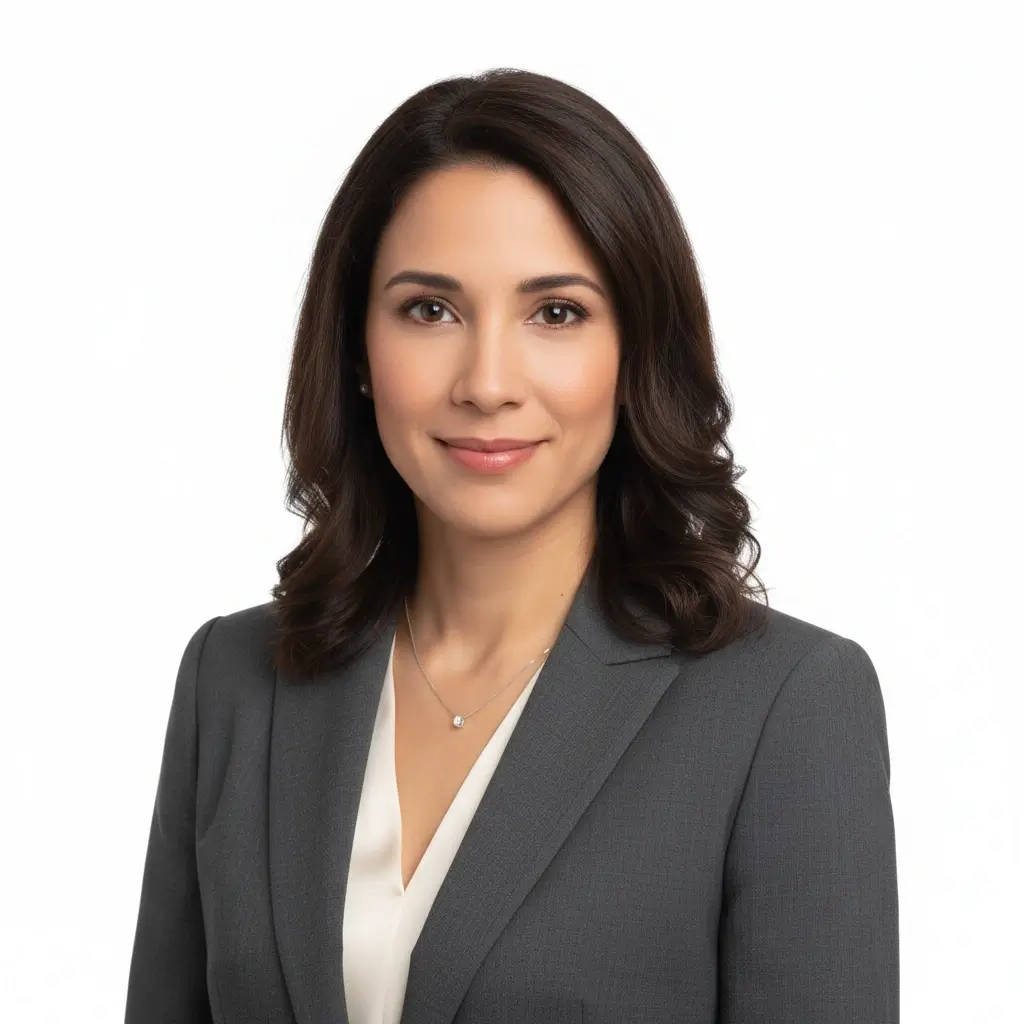
Employee Badge / Resume
Professional headshot | Plain
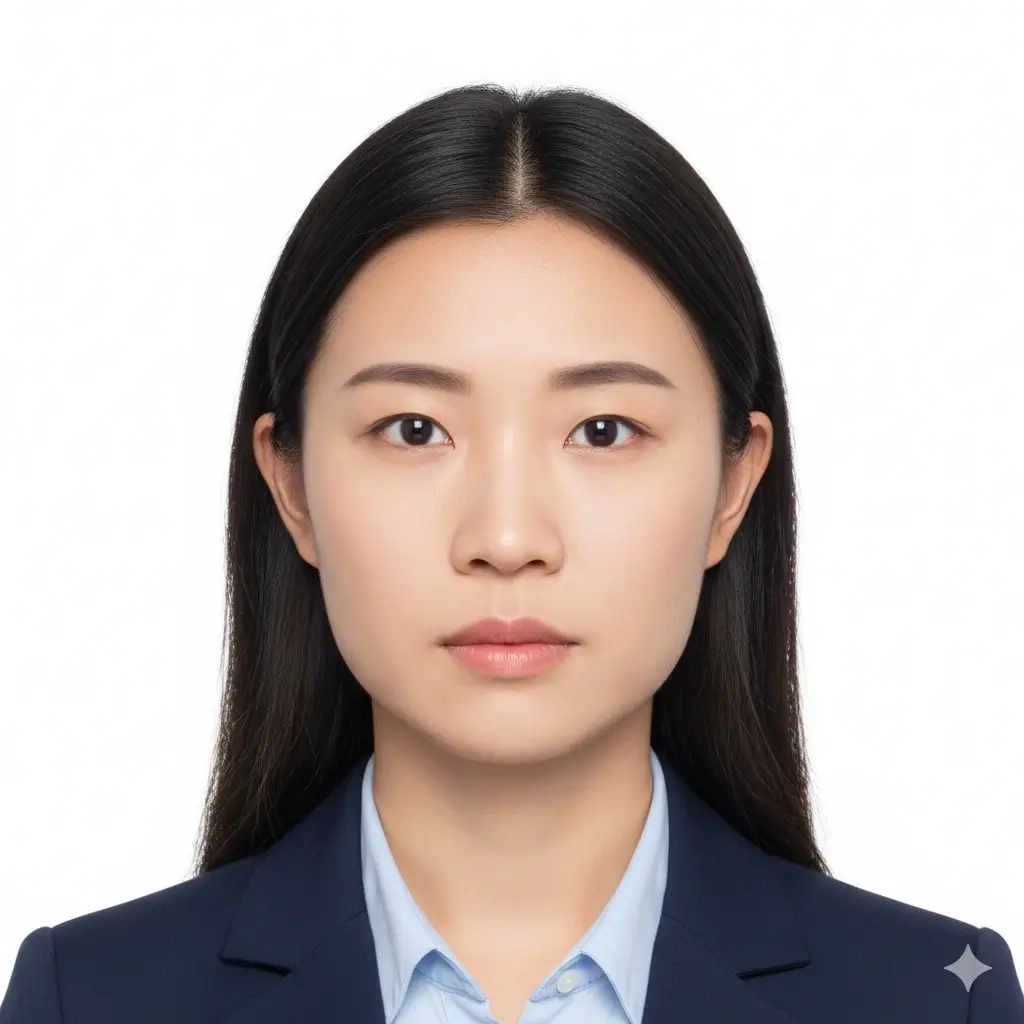
Green Card Photo
2x2 inch (51x51mm) | White
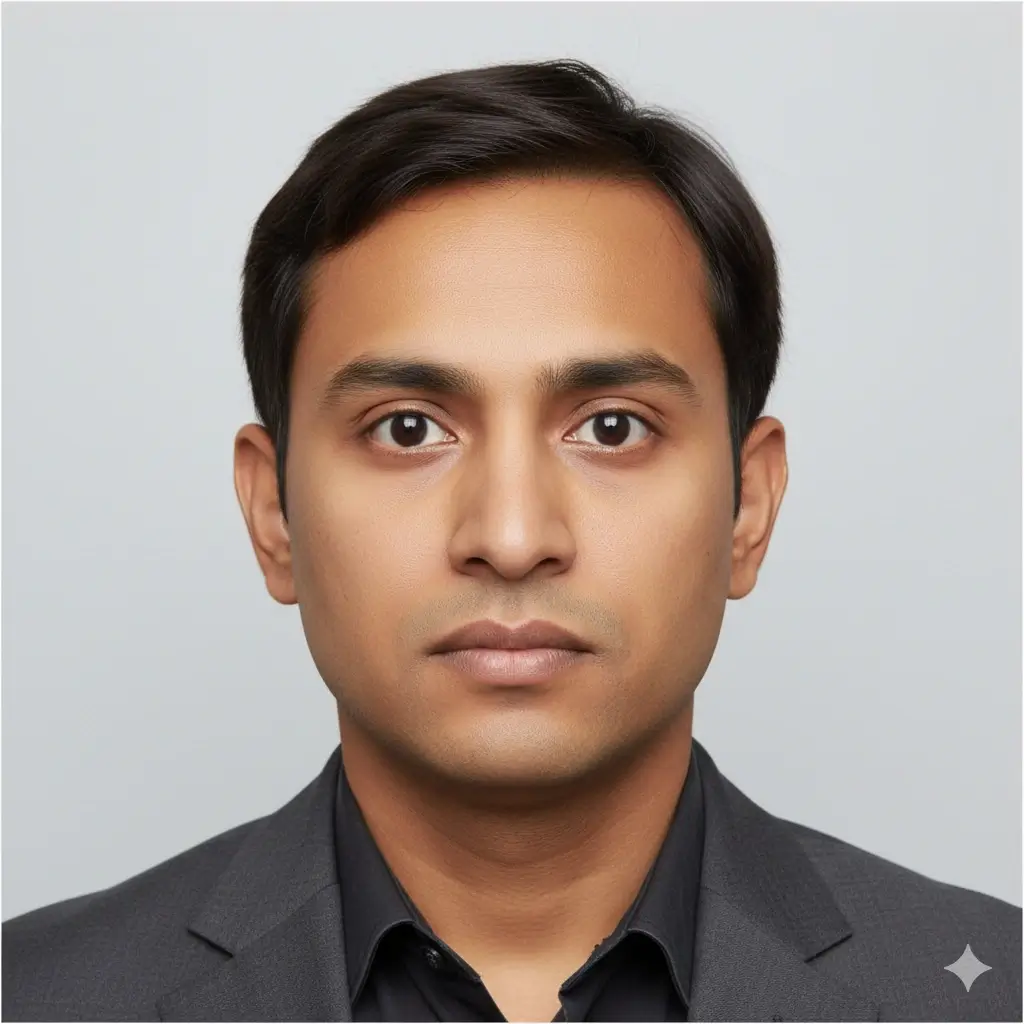
35x45mm ID Photo
35x45mm | Light gray
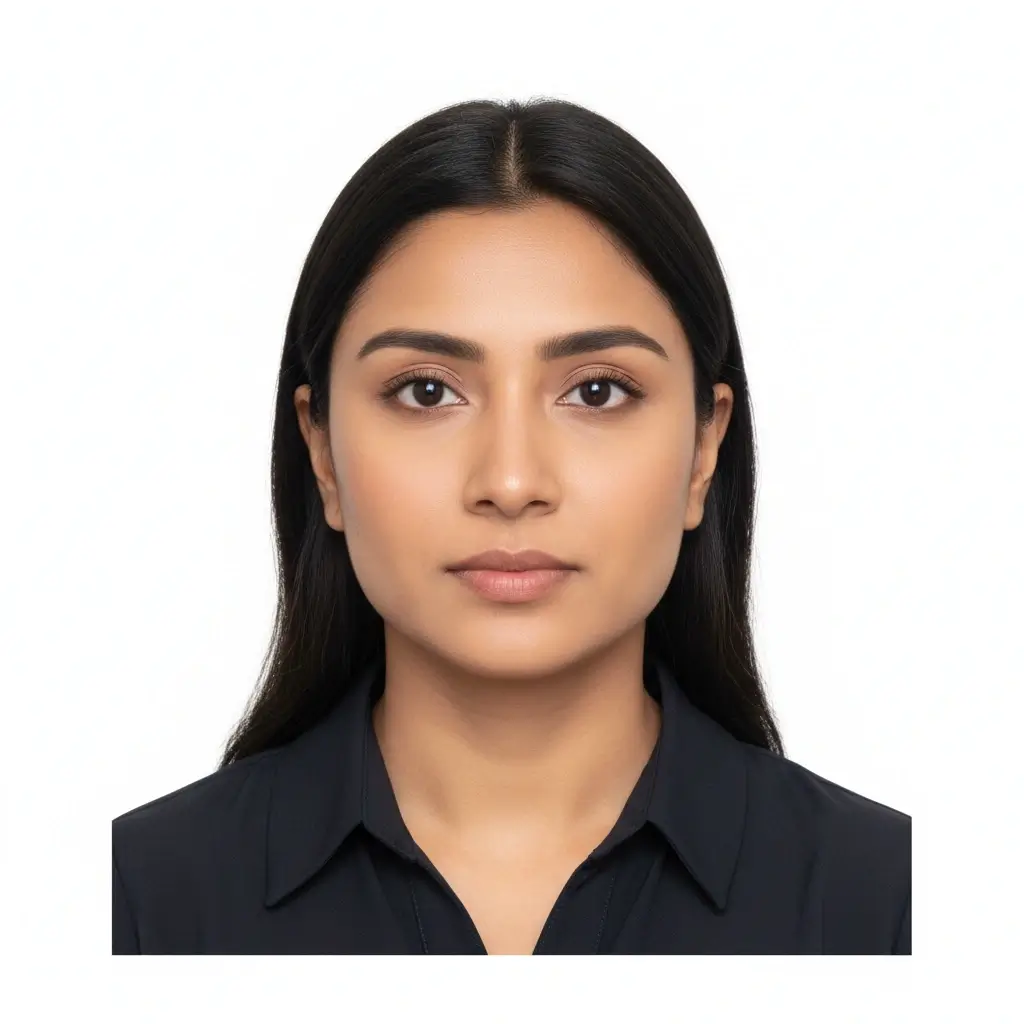
50x70mm ID Photo
50x70mm | White
You have 0 credits remaining AI証明写真メーカーを使うにはサインインしてください
1回の生成につき2クレジット
生成結果
ここにAI証明写真のプレビューが表示されます
写真をアップロードしてプリセットを選択してください。
写真を処理中
通常は30〜60秒ほどかかります
写真を解析しています...
きれいに仕上げるコツ
- カメラを正面から見て、目を開けてください。
- 顔や背景に強い影が出ない均一な光を使ってください。
- 帽子、色付きメガネ、背景の写り込みは避けてください。
- 公的書類向けでは顔立ちを変える補正を行わないでください。
Related photo tools for specific document types
Start with the AI ID photo maker, then open a more specific page when you already know the exact document or country requirement.
Passport Photo Maker
Prepare a standard passport-style photo with plain background and common official dimensions.
Open passport photo makerPassport Size Photo Maker
Create standard passport-size photos and print-ready sheets for common submission formats.
Open passport size photo makerDriver License Photo Maker
Create a front-facing driver license style photo with simple review reminders and clean background options.
Open driver license photo makerUse official guidance whenever a government office, school, employer, or visa center has strict requirements.
AI証明写真プリセットと定番サイズ
標準的なパスポート風写真、学生証、社員証、または指定寸法が必要な申請用に使えるAI証明写真プリセットです。
| プリセット | 主なサイズ | 主な用途 | 一般的な背景 |
|---|---|---|---|
AI ID PhotoBest for general online ID photo needs |
Head-and-shoulders crop | Forms, profiles, badges, internal records | White, light gray, or light blue |
Passport / Green Card PhotoUseful for US-style official photos |
2x2 inch / 51x51mm | Passport, green card, some visa photos | White or off-white |
Visa PhotoCheck the embassy or visa center instructions |
35x45mm or 2x2 inch | Visa applications and immigration documents | White or light gray |
Student ID PhotoSchool and campus card friendly |
School-specific | Student records and campus cards | Plain white, blue, or gray |
Employee Badge PhotoUseful for work badge systems |
Company-specific | Employee IDs and internal access cards | Plain and high-contrast |
Custom ID Photo SizeChoose exact output dimensions |
2x2 inch, 35x45mm, 50x70mm, 33x48mm | Country-specific IDs and custom forms | Follow the issuer requirements |
重要なお知らせ
AI ID Photo Maker はトリミング、背景、出力形式の準備を手助けできますが、最終的な写真は提出先の役所、学校、勤務先、ビザセンターの最新要件に必ず合わせてください。
AI ID Photo Maker の使い方
Upload one clear portrait
Start with a recent front-facing photo where your full face is visible and the lighting is even.
Choose the right ID preset
Pick passport, visa, student ID, badge, or a custom size to match the form you need to submit.
Let AI prepare the photo
The tool cleans the background, centers the crop, and creates a file you can review before downloading.
Download digital or print-ready output
Save JPG, PNG, or PDF files for online uploads, document portals, or print sheets.
デジタル提出と印刷用出力
AI証明写真を提出する方法に合わせて出力形式を選んでください。
デジタル証明写真
オンライン申請フォームやアップロード用
役所、ビザ申請、学校、勤務先がオンライン提出を求める場合は JPG または PNG を使います。
単体印刷用ファイル
指定サイズでの印刷
1枚の証明写真を正確なサイズで印刷したい場合に適した画像です。
印刷シート
1ページに複数枚必要な場合
複数枚をまとめて印刷して切り分けたい場合は PDF を使います。
印刷前の確認
実寸で印刷し、ページに合わせる設定を避けてください。
紙の提出が必要な場合は写真用紙を使ってください。
提出先が自宅印刷を受け付けるか確認してください。
最終申請でアップロードが必要になる場合に備えてデジタル版も保存してください。
提出前に確認したいAI証明写真の基本ルール
AI ID Photo Maker はファイル作成を補助しますが、最終的な受理は提出先の判断に依存します。
正面を向いた鮮明な顔
顔は中央に収め、はっきり認識できる状態にしてください。目を開けて正面を向きます。
無地の背景
書類の種類によって白、オフホワイト、薄いグレー、薄い青などが一般的です。
正しいサイズとトリミング
パスポート窓口、ビザセンター、学校、勤務先で必要サイズや頭の位置が異なる場合があります。
編集は控えめに
背景補正やトリミングは有効ですが、本人確認に影響する加工は避けてください。
アップロード前のチェック
最終画像を生成する前に次の項目を確認してください。
- 最近撮影した、現在の見た目に近い写真を使う。
- 額からあごまで顔全体が見えるようにする。
- 帽子、濃いサングラス、強いフィルター、派手な背景を避ける。
- 顔や背景に強い影が出ない均一な光を使う。
- 頭と肩の周囲にトリミング用の余白を残す。
- Use the Natural editing level for official documents and reserve stronger AI cleanup for non-official profile or badge photos.
- Use the Natural editing level for official documents and reserve stronger AI cleanup for non-official profile or badge photos.
- Use the Natural editing level for official documents and reserve stronger AI cleanup for non-official profile or badge photos.
最終判断は審査側が行います
このツールは一般的な証明写真要件の準備を補助しますが、最終的な受理は役所、学校、勤務先、ビザセンターなどの審査側が決定します。
AI補正の限界
パスポート、ビザ、運転免許証などの公的書類では、顔立ち、肌質、年齢印象など本人性に関わる要素をAIで変更しないでください。
このAI証明写真ジェネレーターを使う理由
関連するID写真ツール
書類の種類、サイズ、国の要件が分かっている場合は、より専用のワークフローを使えます。
関連するID写真ツール
書類の種類、サイズ、国の要件が分かっている場合は、より専用のワークフローを使えます。
最終確認用の公式参考情報
ツールでファイルを準備したあと、アップロードや印刷の前に最新の公式ルールと照合してください。
ツールでファイルを準備したあと、アップロードや印刷の前に最新の公式ルールと照合してください。
AI ID Photo Maker よくある質問
Privacy and review reminders
Secure upload flow
Use a protected upload flow for personal ID-style photos and avoid sharing unnecessary personal documents.
Identity-safe editing
Prepare crop, background, and size without relying on edits that change who you are.
Requirement checklist
Review face visibility, background, lighting, and output format before you download or submit.
Reviewer decides
Final acceptance always depends on the agency, school, employer, or organization that reviews your photo.
AI証明写真をオンラインで作成
写真をアップロードし、プリセットを選び、背景やトリミングを調整して、デジタルまたは印刷用ファイルを保存できます。
AI ID photo generator for passport-style photos, visas, badges, and school IDs
White, off-white, light gray, light blue, and red background options
JPG, PNG, and PDF downloads for digital or print use
Clear reminders for official photo acceptance rules
Check the latest rules from the passport office, embassy, school, employer, DMV, or organization that will review your photo.