Crear foto 2x2
Online para pasaporte y carné
Sube un retrato claro, elige el preset de 2x2 pulgadas, usa un fondo liso y descarga una foto cuadrada para pasaporte, visado, carné o impresión.
Crear una foto 2x2 desde móvil o escritorio
Usar el formato cuadrado 2x2 pulgadas / 51x51mm
Elegir fondo blanco, gris claro o azul claro
Descargar PNG, JPG o un PDF para impresión
Creador de foto 2x2 online
Empieza con un retrato, mantén seleccionado el tamaño de 2x2 pulgadas, elige un fondo liso y genera una foto lista para descargar.
Sube tu retrato
Elige una foto reciente de frente con el rostro visible.
Supported: JPG, PNG, WEBP, HEIC
or drag a portrait here
Uploaded portrait
Elige el preset 2x2
La opción de 2x2 pulgadas está pensada para pasaporte, visado, carné e impresión. Cambia el tamaño solo si el formulario indica otra medida exacta.
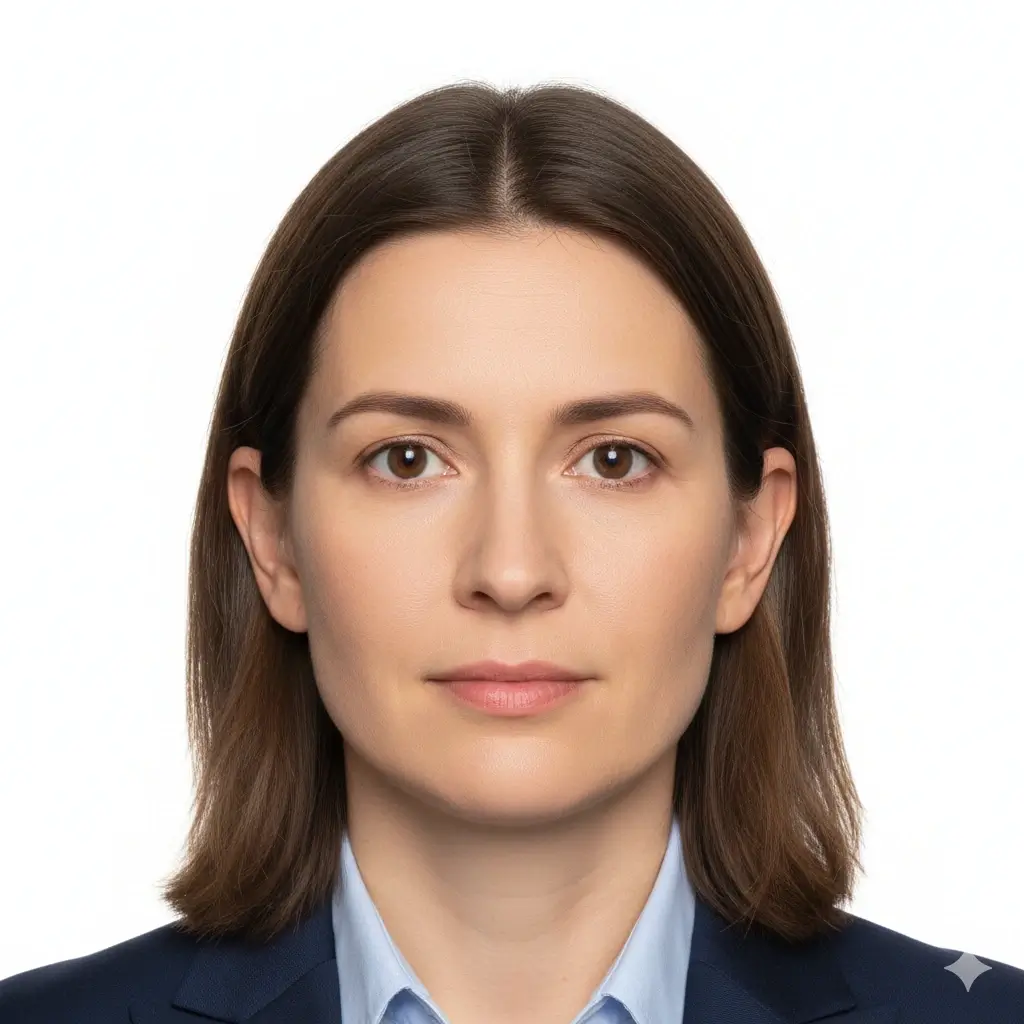
2x2 Passport Photo
2 x 2 inch / 51 x 51 mm
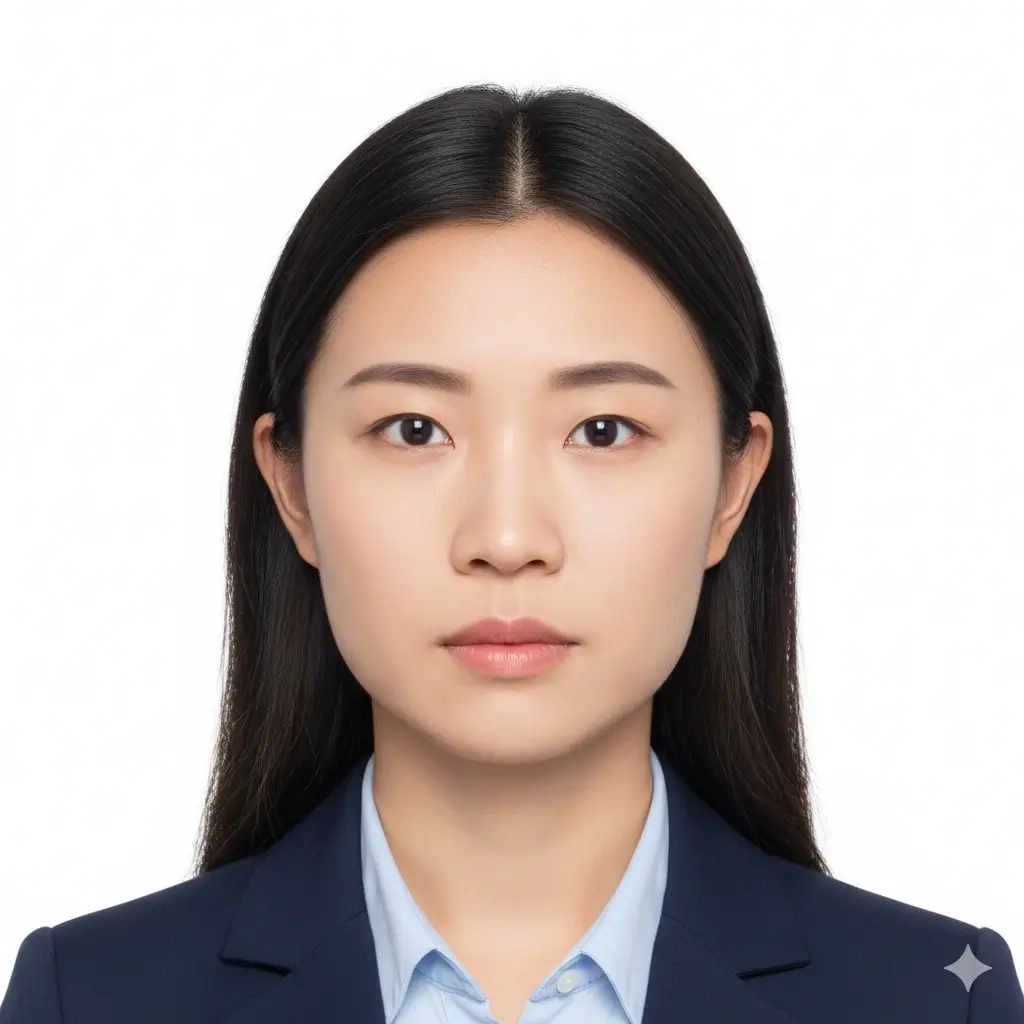
Green Card Photo
2x2 inch | White background

2x2 Visa Photo
Common US-style visa format

ID Card Photo
Square portrait for forms
Ajustes de tamaño y fondo
Verifica siempre la guía oficial actual antes de subir o imprimir la foto.
Enter exact dimensions only if your checklist is not 2x2 inches.
Allowed range: width 20-80mm, height 20-90mm. For a 2x2 photo, keep both values near 51mm.
You have 0 credits remaining Inicia sesión para usar el creador 2x2
2 credits per generated 2x2 photo
Resultado de la foto 2x2
La vista previa de tu foto 2x2 aparecerá aquí
Sube una foto y elige un preset para empezar.
Procesando tu foto
Normalmente tarda entre 30 y 60 segundos.
Analizando la foto...
Tips Before You Generate
- Use a recent photo with even lighting and a neutral expression.
- Face the camera directly and keep both eyes open.
- Avoid filters, hats, tinted glasses, and heavy shadows unless officially allowed.
- Check the exact authority guidance before uploading or printing.
Tamaño, píxeles e impresión de una foto 2x2
Una foto 2x2 se imprime con 2 pulgadas de ancho por 2 de alto. Los píxeles dependen de los DPI y del portal, así que comprueba la medida antes de enviarla.
Physical Size
2 x 2 in / 51 x 51 mm
Use this when a passport, visa, green card, exam, or ID form asks for a 2 by 2 inch photo.
Aspect Ratio
1:1 square
Cropping should keep the head centered with enough space around the face and shoulders.
Common Pixels
600 x 600 px
Many digital workflows use 600x600 pixels, but some portals list their own pixel and file-size limits.
Download Formats
PNG, JPG, PDF
Use image files for online upload and PDF when you need a printable 2x2 layout.
Common 2x2 Photo Pixel References
| Use case | Pixel reference | Notes |
|---|---|---|
| 300 DPI print | 600 x 600 px | A practical square reference for printing a 2 x 2 inch photo. |
| 600 DPI print | 1200 x 1200 px | Higher pixel density for sharper print workflows. |
| Online upload | Follow the portal | Some portals specify minimum pixels, maximum file size, DPI, or compression separately. |
2x2 is common, but rules can still vary
A 2x2 inch photo is common for US-style passport, visa, and ID workflows, but each authority may add rules for head size, background color, glasses, retouching, recentness, and file limits. Use this page to prepare the photo, then compare the result with the current official checklist.
How to Make a 2x2 Photo Online
Upload a Clear Portrait
Start with a sharp, front-facing image. Soft daylight and a plain wall usually work better than a dark or busy background.
Keep 2x2 Inch Selected
Use the 2x2 inch preset, or enter about 51 mm width and 51 mm height when custom size fields are required.
Set a Plain Background
Choose white or another plain light background only when the document checklist allows it.
Download or Print
Save PNG/JPG for digital forms or use PDF when you need a printable square layout.
Download Options for a 2x2 Photo
Choose the file type that matches your next step: upload, email, local printing, or keeping a reusable copy.
PNG
Best for clean digital upload
PNG keeps crisp edges and is useful when the portal accepts a larger high-quality image.
JPG
Best for smaller files
JPG is useful when a form has a strict file-size limit or asks for a common photo format.
Best for printing
Use a physical-size PDF layout when you need printed 2x2 copies on photo paper.
Before printing
Print at actual size and turn off fit-to-page scaling.
Use photo paper if the authority requires a physical print.
Measure one copy to confirm it is 2 inches wide and 2 inches high.
Recheck background, head size, and file limits against the official checklist.
Requisitos de foto 2x2 que debes revisar
Verifica siempre la guía oficial actual antes de subir o imprimir la foto.
Clear Face
Your face should be sharp, centered, front-facing, and easy to recognize.
Plain Background
White or off-white is common, but some forms allow other plain light backgrounds.
Correct Crop
A 2x2 photo is square, but head size and eye position can still vary by authority.
File Limits
Digital portals may add pixel, file-size, DPI, or compression requirements beyond the physical size.
Quick pre-submit checklist
Review these points before uploading or printing your generated 2x2 photo.
- Photo is 2 inches by 2 inches or matches the official custom size.
- Face is front-facing, sharp, and not hidden by hair, glare, or accessories.
- Background is plain and matches the requested color.
- No heavy filters, beauty edits, or identity-changing retouching are applied.
- Digital file format, pixels, file size, and print quality match the portal or form.
Always verify the official source
The same 2x2 size can be used across different documents, but acceptance rules are not identical. Check the current passport office, embassy, school, exam board, employer, or agency instructions before submitting.
No approval guarantee
A generated 2x2 photo can still be rejected if expression, head size, background, clothing, file size, recentness, or editing does not match the reviewer's rules.
Por qué usar este creador de fotos 2x2
Focused 2x2 Crop
Built around the square 2 inch format
The page keeps the 2x2 size, square ratio, and pixel references close to the editor so you do not have to guess from a generic crop tool.
Plain Background Choices
White, light gray, or light blue
Choose a simple background that matches the form you are following, then review whether the final image still looks natural.
Digital and Print Output
PNG, JPG, and PDF
Download a single square photo for online use or a physical-size PDF when you need printed copies.
Practical Requirement Notes
Size, pixels, print, and official checks
The supporting sections explain what 2x2 means in inches, millimeters, pixels, and printing terms before you submit.
¿Vas a tomar la foto con un iPhone?
Aprende a preparar la luz, el fondo y el encuadre antes de crear tu archivo 2x2.
Herramientas relacionadas y revisión oficial 2x2
Prepara la foto 2x2 y revisa una herramienta más amplia o una fuente oficial si tu documento tiene reglas extra.
Herramientas relacionadas
Elige un flujo más específico o más amplio según el documento.
Official references
Usa el creador 2x2 para preparar el archivo y compara el resultado con las instrucciones oficiales actuales.
Usa el creador 2x2 para preparar el archivo y compara el resultado con las instrucciones oficiales actuales.
Preguntas sobre fotos 2x2
Prepara fotos 2x2 con límites claros
Secure Upload Flow
Use the same account and upload flow already used across AI ID Photo Maker.
2x2 Inch Focus
Start from the exact square size instead of guessing from a generic crop.
Flexible Downloads
Download PNG, JPG, or PDF depending on whether you need upload or print output.
Final Review
Preview the result and compare it with official guidance before you submit.
Crea tu foto 2x2 online
Sube un retrato claro, usa el preset de 2x2 pulgadas, elige un fondo liso y descarga una foto cuadrada para pasaporte, visa, tarjeta de identificación, examen o formulario.
Use the common 2 x 2 inch photo size
Set a plain white, light gray, or light blue background
Download PNG, JPG, or printable PDF output
Review official rules before final submission
Verifica siempre la guía oficial actual antes de subir o imprimir la foto.