
AI 증명사진 만들기
무료 온라인 생성기
인물 사진 한 장을 업로드해 여권, 학생증, 사원증, 온라인 서류용 AI 증명사진을 만들어 보세요. 배경을 정리하고 크롭을 조정한 뒤 디지털 또는 인쇄용 파일로 다운로드할 수 있습니다.
AI 배경 정리로 증명사진 빠르게 생성
여권형 사진, 비자, 학생증, 사원증, 프로필용 프리셋 제공
JPG, PNG, PDF로 다운로드 가능
제출 전 확인해야 할 포인트 제공
AI 증명사진 만들기: 업로드·조정·다운로드
인물 사진 업로드
정면을 향한 최근 사진을 업로드하세요. 얼굴이 잘 보이고 조명이 고른 사진이 좋습니다.
지원 형식: JPG, PNG, HEIC, WEBP
선명한 셀피 한 장이면 시작할 수 있습니다.
업로드한 사진
AI 증명사진 프리셋 선택
여권, 학생증, 사원증, 비자 또는 맞춤 문서에 맞는 AI 증명사진 프리셋을 선택하세요.

AI ID Photo
Plain background | Front-facing crop
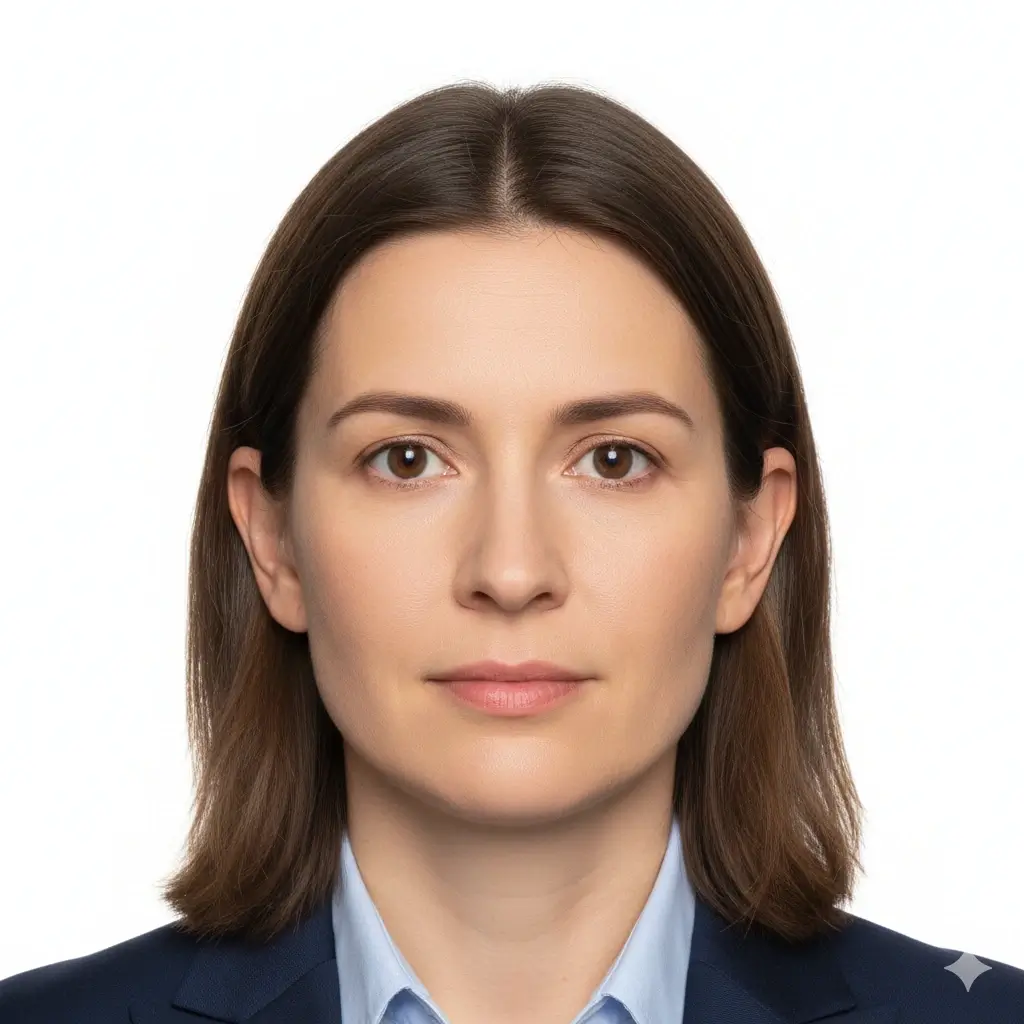
Passport Photo
2x2 inch (51x51mm) | White

Visa Photo
35x45mm or 2x2 inch | White

Student ID
Head and shoulders | Plain
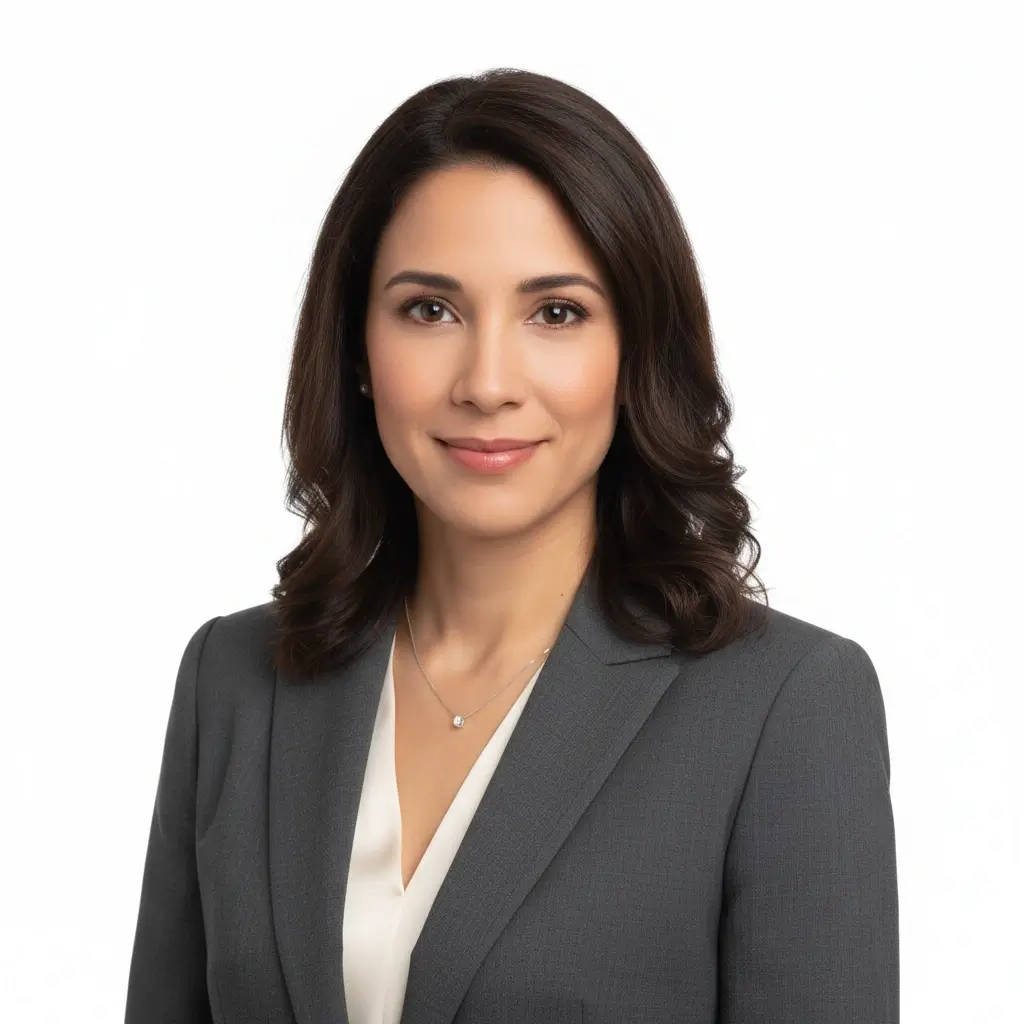
Employee Badge / Resume
Professional headshot | Plain
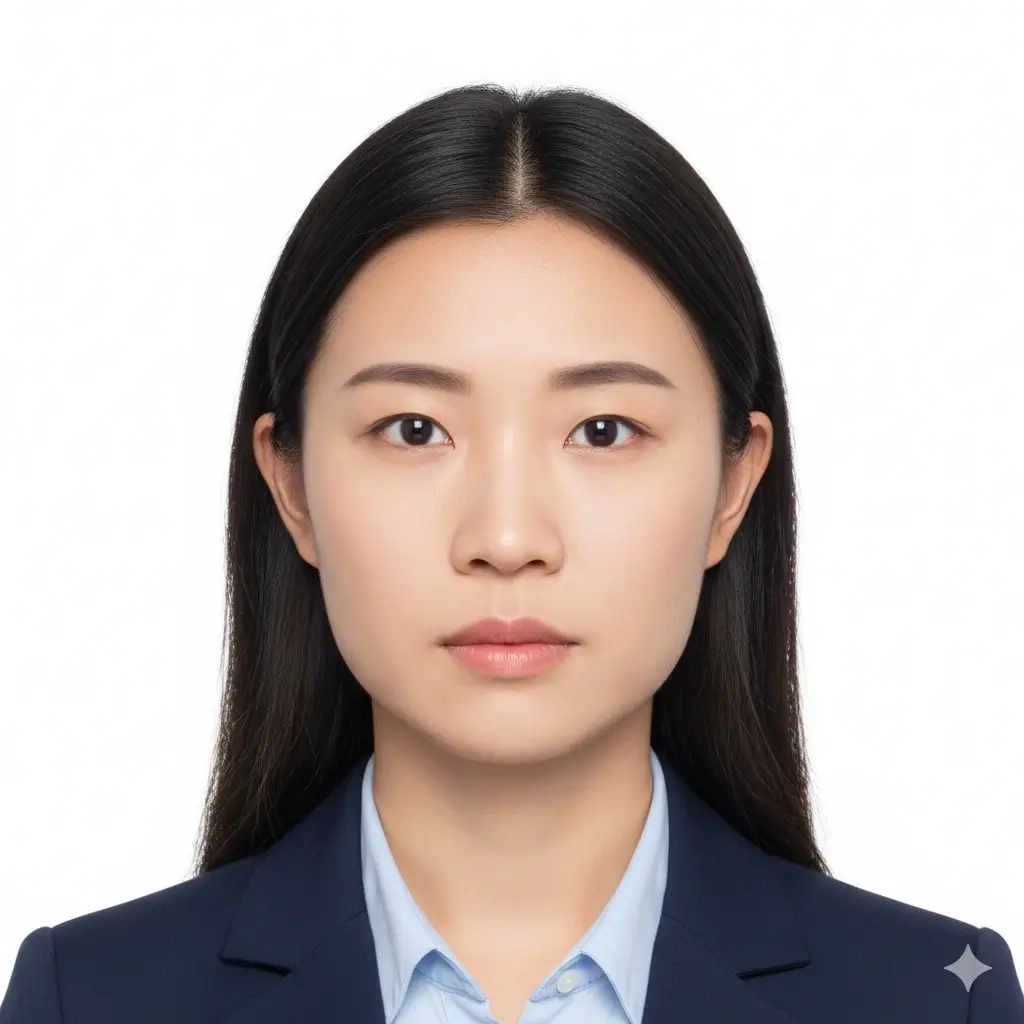
Green Card Photo
2x2 inch (51x51mm) | White

35x45mm ID Photo
35x45mm | Light gray
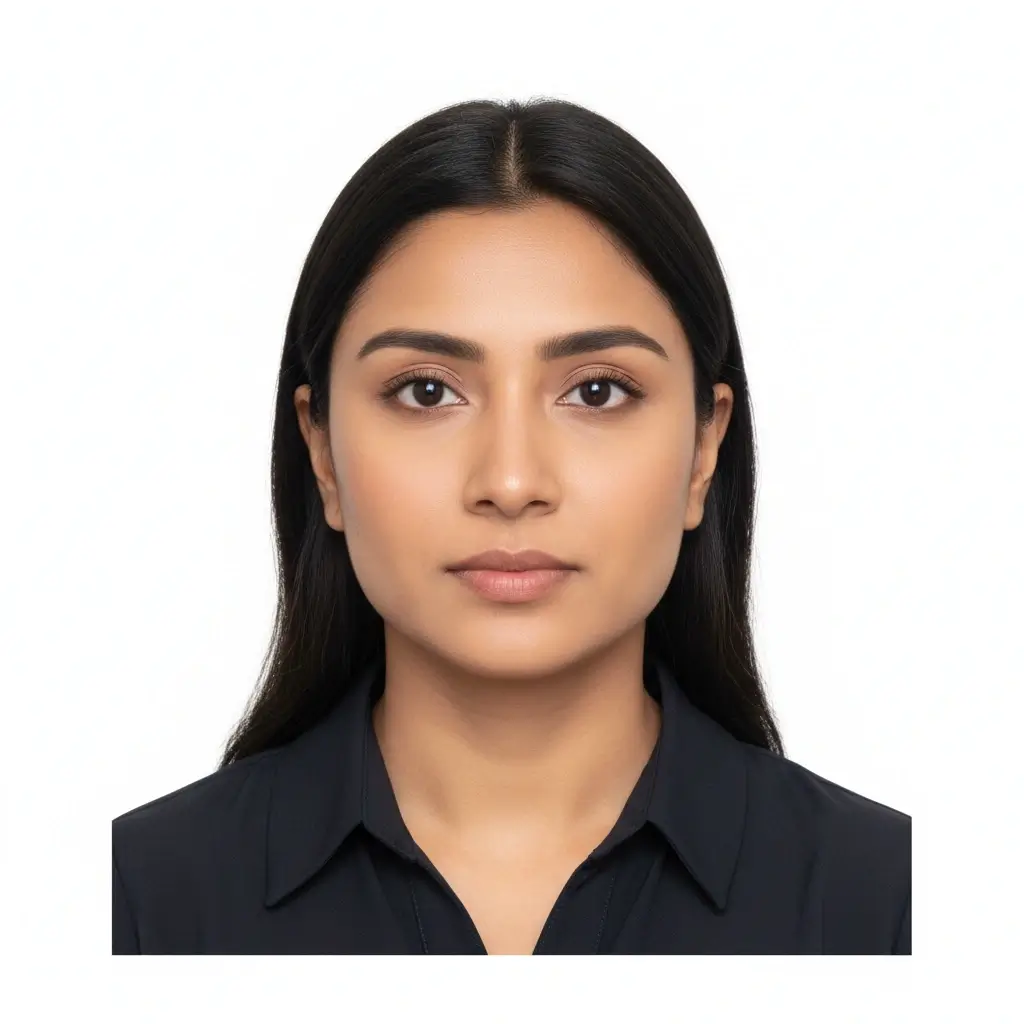
50x70mm ID Photo
50x70mm | White
You have 0 credits remaining AI ID Photo Maker를 사용하려면 로그인하세요
사진 1장 생성에 2크레딧 사용
결과
여기에 AI 증명사진 미리보기가 표시됩니다
사진을 업로드하고 프리셋을 선택하면 시작됩니다.
사진 처리 중
보통 30~60초 정도 걸립니다.
사진 분석 중…
더 나은 결과를 위한 팁
- 카메라를 정면으로 바라보고 눈을 뜨세요.
- 강한 그림자 없이 부드럽고 고른 조명을 사용하세요.
- 모자, 선글라스, 복잡한 배경은 피하세요.
- 공식 문서용 사진에서는 얼굴 특징을 바꾸지 마세요.
Related photo tools for specific document types
Start with the AI ID photo maker, then open a more specific page when you already know the exact document or country requirement.
Use official guidance whenever a government office, school, employer, or visa center has strict requirements.
AI 증명사진 프리셋과 대표 크기
여권형 사진, 학생증, 사원증 또는 정확한 규격이 필요한 사용자 지정 제출용으로 AI ID Photo Maker를 사용하세요.
| Preset | Common dimensions | Common use | Typical background |
|---|---|---|---|
AI ID PhotoBest for general online ID photo needs |
Head-and-shoulders crop | Forms, profiles, badges, internal records | White, light gray, or light blue |
Passport / Green Card PhotoUseful for US-style official photos |
2x2 inch / 51x51mm | Passport, green card, some visa photos | White or off-white |
Visa PhotoCheck the embassy or visa center instructions |
35x45mm or 2x2 inch | Visa applications and immigration documents | White or light gray |
Student ID PhotoSchool and campus card friendly |
School-specific | Student records and campus cards | Plain white, blue, or gray |
Employee Badge PhotoUseful for work badge systems |
Company-specific | Employee IDs and internal access cards | Plain and high-contrast |
Custom ID Photo SizeChoose exact output dimensions |
2x2 inch, 35x45mm, 50x70mm, 33x48mm | Country-specific IDs and custom forms | Follow the issuer requirements |
중요 안내
AI ID Photo Maker는 크롭, 배경, 출력 형식을 준비하는 데 도움을 줄 수 있지만 최종 사진은 제출 기관, 학교, 회사 또는 비자 센터의 최신 규정을 정확히 따라야 합니다.
AI ID Photo Maker 사용 방법
Upload one clear portrait
Start with a recent front-facing photo where your full face is visible and the lighting is even.
Choose the right ID preset
Pick passport, visa, student ID, badge, or a custom size to match the form you need to submit.
Let AI prepare the photo
The tool cleans the background, centers the crop, and creates a file you can review before downloading.
Download digital or print-ready output
Save JPG, PNG, or PDF files for online uploads, document portals, or print sheets.
디지털 제출 및 인쇄용 출력
AI 증명사진을 어떤 방식으로 제출할지에 맞춰 출력 형식을 선택하세요.
디지털 증명사진
온라인 신청서와 업로드 포털
기관, 비자 포털, 학교, 회사에서 온라인 파일 업로드를 요구할 때 JPG 또는 PNG를 사용하세요.
단일 인쇄 파일
정확한 크기 인쇄
정확한 규격의 사진 한 장이 필요할 때 깔끔한 단일 이미지를 다운로드하세요.
인쇄 시트
한 페이지에 여러 장 필요할 때
여러 장의 사진을 한 장에 배치해 잘라 쓰려면 PDF를 사용하세요.
인쇄 전 확인
실제 크기로 인쇄하고 페이지 맞춤 확대를 피하세요.
실물 제출이 필요하면 사진 용지를 사용하세요.
제출 기관이 가정용 인쇄본을 허용하는지 확인하세요.
최종 신청에서 업로드가 필요할 수 있으므로 디지털 파일도 보관하세요.
AI ID 사진 요구 사항, 크기, 편집 제한
AI는 자르기, 배경 정리, 출력 형식 준비에 사용하세요. 공식 문서에는 얼굴을 자연스럽게 유지하고 최신 규칙을 확인해야 합니다.
정면을 향한 선명한 얼굴
얼굴은 중앙에 위치하고 또렷하게 보여야 합니다. 눈을 뜨고 카메라를 정면으로 바라보세요.
단색 배경
문서 종류에 따라 흰색, 아이보리, 밝은 회색, 밝은 파란색 배경이 일반적입니다.
정확한 크기와 크롭
여권 기관, 비자 센터, 학교, 회사마다 요구하는 규격과 머리 위치가 다를 수 있습니다.
신중한 보정
배경 정리와 크롭은 유용하지만 공식 문서에서는 신원 식별에 영향을 주는 보정을 피하세요.
업로드 전 체크리스트
Use this quick checklist before generating your final AI ID photo.
- Use a recent, front-facing portrait that still looks like you.
- Keep your full face visible from forehead to chin, with eyes open.
- Choose the preset size first, then confirm the exact ID card photo size required by your issuer.
- Use a plain white, off-white, light gray, or approved color background.
- Avoid hats, sunglasses, heavy filters, and busy backgrounds unless your issuer allows them.
- Use the Natural editing level for passports, visas, driver licenses, and other official IDs.
- Check pixel size, file size, and format before uploading to an online form.
최종 승인은 심사 기관이 결정합니다
이 도구는 일반적인 증명사진 준비를 도와주지만 최종 승인은 기관, 학교, 회사, 비자 센터 등 검토 주체가 결정합니다.
AI 보정 한계
여권, 비자, 운전면허증 등 공식 신분증 사진에서는 얼굴 특징, 피부 질감, 나이 인상 등 신원과 관련된 요소를 AI로 변경하지 마세요.
이 AI ID 사진 생성기를 사용하는 이유
Fast AI workflow
Upload, choose a preset, generate, download
Upload one portrait and get a clean ID-style photo without manual crop tools or background editing software.
ID card photo size guidance
Useful for student IDs, badges, and online forms
The page keeps common size and crop reminders close to the tool so you can prepare a photo that fits the requested ID card format.
Multiple ID use cases
Passport-style, visa, student ID, badge, and profile photos
Use the same AI workflow for common ID photo needs while keeping each document's review rules separate.
Flexible downloads
JPG, PNG, and PDF output
Download a single digital image for upload portals or a print-ready layout when you need physical copies.
AI editing guardrails
Crop and cleanup without identity-changing edits
The workflow separates helpful cleanup from retouching that could make an official ID photo fail review.
Privacy-aware preparation
Prepare the file before final review
Use the tool to prepare a clean file, then compare it with the issuing authority's current instructions before submitting.
관련 ID 사진 도구
문서 종류, 크기, 국가 요건을 이미 알고 있다면 더 구체적인 도구를 사용하세요.
관련 ID 사진 도구
문서 종류, 크기, 국가 요건을 이미 알고 있다면 더 구체적인 도구를 사용하세요.
최종 확인을 위한 공식 참고 자료
도구로 파일을 준비한 뒤 업로드나 인쇄 전에 최신 공식 규정과 비교하세요.
도구로 파일을 준비한 뒤 업로드나 인쇄 전에 최신 공식 규정과 비교하세요.
AI 증명사진 만들기 FAQ
Privacy and review reminders
Secure upload flow
Use a protected upload flow for personal ID-style photos and avoid sharing unnecessary personal documents.
Identity-safe editing
Prepare crop, background, and size without relying on edits that change who you are.
Requirement checklist
Review face visibility, background, lighting, and output format before you download or submit.
Reviewer decides
Final acceptance always depends on the agency, school, employer, or organization that reviews your photo.
AI 증명사진을 온라인에서 만들기
사진을 업로드하고 프리셋을 선택한 뒤 배경과 크롭을 조정하여 디지털 또는 인쇄용 파일을 저장하세요.
AI ID photo generator for passport-style photos, visas, badges, and school IDs
White, off-white, light gray, light blue, and red background options
JPG, PNG, and PDF downloads for digital or print use
Clear reminders for official photo acceptance rules
Check the latest rules from the passport office, embassy, school, employer, DMV, or organization that will review your photo.